العربية

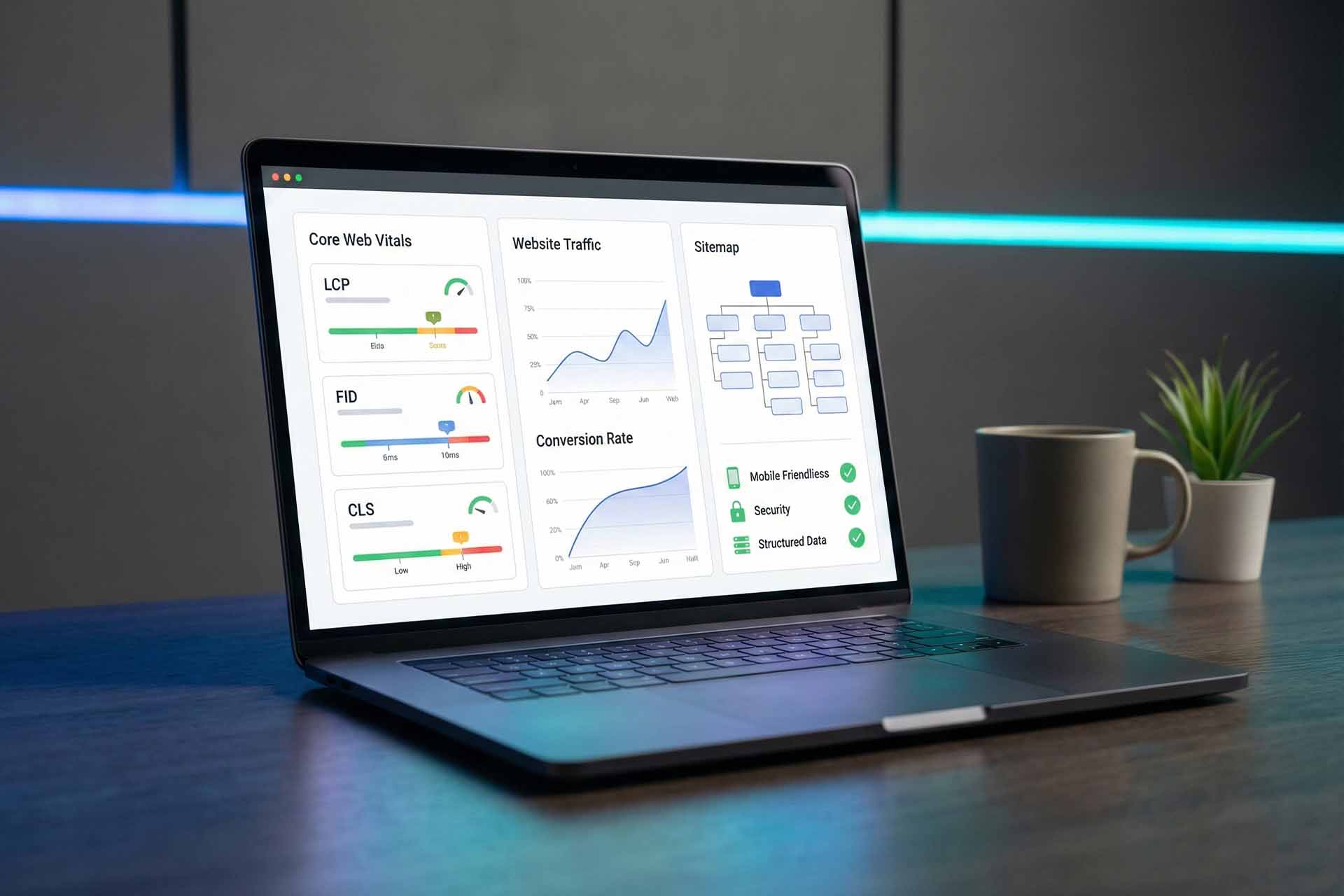
Technical SEO Audit Breakdown: A 15-Point Checklist for Website Health

In many cases, declining search rankings have nothing to do with content quality or backlinks.
The real issue lies deeper — within the technical foundation of the website itself.
Technical SEO is the invisible framework that allows search engines to crawl, understand, and rank your site efficiently.
If that framework is weak, even the best content will struggle to perform.
This guide provides a practical, step-by-step technical SEO audit checklist that website owners, developers, and digital teams can use to evaluate and improve their site’s technical health.
What Is a Technical SEO Audit?
A technical SEO audit is a structured evaluation of a website’s infrastructure to ensure that:
- Search engines can crawl the site without obstacles
- Pages are indexed correctly
- Performance meets modern user experience standards
- Technical issues are not limiting organic visibility
Unlike content SEO, technical SEO focuses on how the site works, not just what it says.
The 15-Point Technical SEO Audit Checklist
1. Website Speed & Core Web Vitals
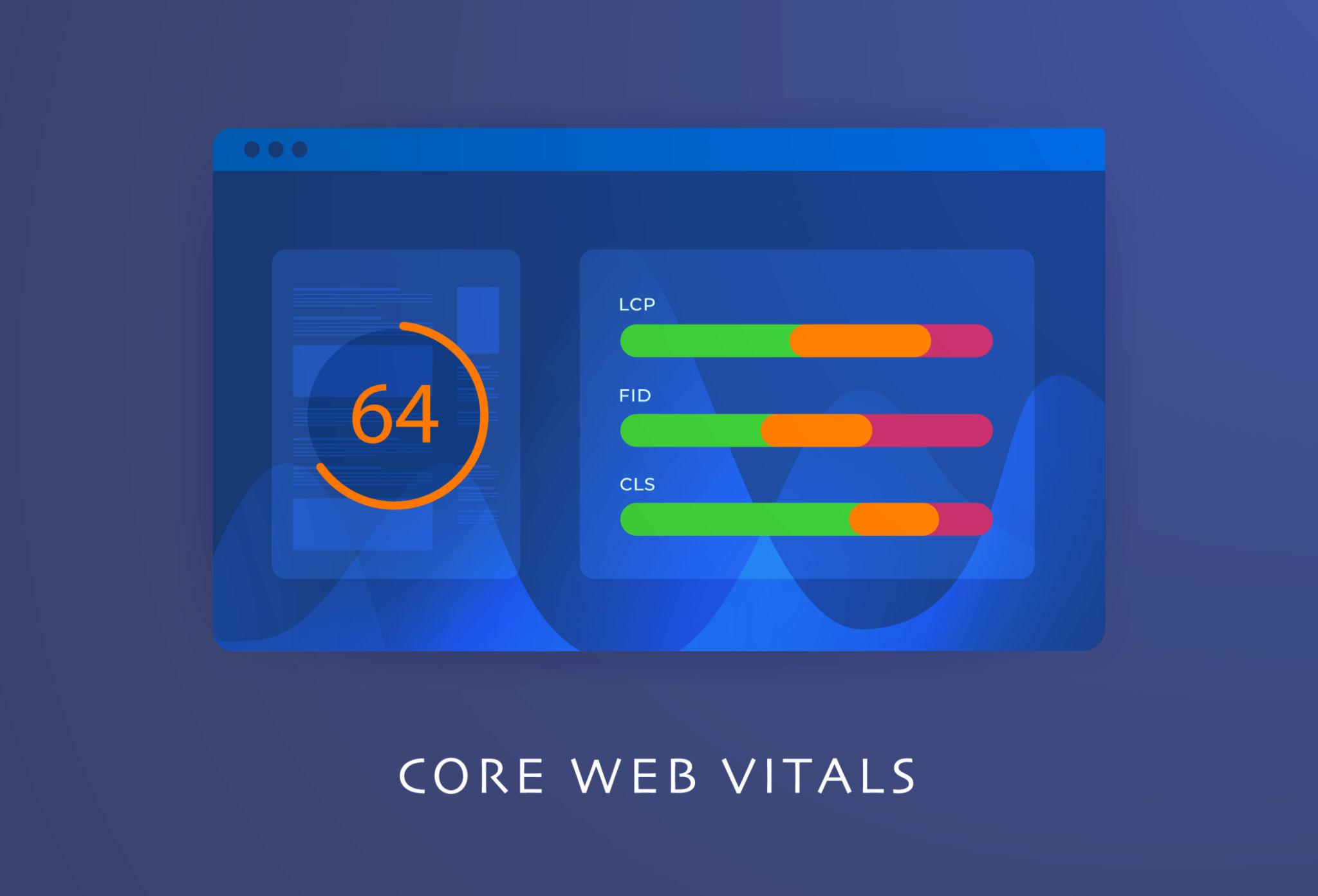
Website performance is now a direct ranking factor.
Key metrics include:
- LCP (Largest Contentful Paint)
- INP (Interaction to Next Paint)
- CLS (Cumulative Layout Shift)
Tool: Google PageSpeed Insights
Goal: Green scores, especially on mobile.
2. Mobile-Friendliness
Google uses mobile-first indexing, meaning the mobile version of your site is the primary reference.
Check for:
- Readable text without zooming
- Proper spacing between clickable elements
- No horizontal scrolling
Tool: Google Mobile-Friendly Test
3. HTTPS & SSL Certificate
Security is a baseline requirement.
Ensure that:
- All pages load via HTTPS
- HTTP versions redirect to HTTPS using 301 redirects
Tools: Browser DevTools, SSL checkers
4. XML Sitemap Availability
An XML sitemap helps search engines discover and prioritize important pages.
Best practices:
- Sitemap is accessible (e.g.,
/sitemap.xml) - Submitted to Google Search Console
- Contains only indexable pages
5. robots.txt Configuration
A misconfigured robots.txt file can block critical sections of your site.
Verify that:
- Important directories are not disallowed
- Search engine bots are allowed to crawl essential content
Tool: Robots.txt Tester (Search Console)
6. Broken Links & 404 Errors
Broken internal or external links degrade user experience and waste crawl budget.
Fix by:
- Updating incorrect URLs
- Applying 301 redirects when pages are removed
Tools: Screaming Frog, Ahrefs Site Audit
7. URL Structure
Clean URLs improve crawlability and user understanding.
Good URLs are:
- Short and descriptive
- Free of unnecessary parameters
- Consistent across the site
Example:
/technical-seo-audit/
8. Duplicate Content Issues
Duplicate pages confuse search engines and dilute ranking signals.
Common causes:
- Multiple URL versions of the same page
- Filters and tracking parameters
Solution: Proper canonicalization
9. Canonical Tags
Canonical tags tell search engines which version of a page is the preferred one.
Check for:
- Missing canonical tags
- Incorrect canonical references
10. Indexing Status
Not every published page is necessarily indexed.
Review in Google Search Console:
- Indexed pages
- Excluded pages and reasons for exclusion
Understanding indexing issues often reveals hidden technical problems.
11. Structured Data (Schema Markup)
Structured data helps search engines understand content context more clearly.
Common schema types:
- Article
- FAQ
- Organization
- Breadcrumb
Tool: Rich Results Test
12. Meta Titles & Descriptions
Missing, duplicated, or poorly written meta tags are technical SEO issues.
Ensure that:
- Every page has a unique title
- Meta descriptions are descriptive and relevant
13. Internal Linking Structure
Internal links guide search engines to your most important pages.
Ask yourself:
- Are key pages easily reachable?
- Do important pages receive enough internal links?
14. Heavy Resources & Page Weight
Unoptimized images, excessive JavaScript, and unused CSS slow down performance.
Improvements include:
- Image compression
- Lazy loading
- Removing unused scripts
Tools: Lighthouse, PageSpeed Insights
15. Ongoing Error Monitoring
Technical SEO is not a one-time task.
Best practice:
- Monitor Google Search Console regularly
- Address new warnings promptly
- Re-audit after major site updates
Loop Media Perspective
Technical SEO does not create success on its own —but it prevents failure silently.
A fast, secure, well-structured website gives your content and marketing efforts a fair chance to perform.
At Loop Media, technical SEO audits are always the first step before content strategies or paid campaigns.