العربية

Your Passwords Are Probably Not as Secure as You Think

In modern cybersecurity, it’s easy to feel confident once you’ve hardened your server, enabled firewalls, patched vulnerabilities, and secured SSH access.
Yet all of that effort can collapse because of one overlooked detail: weak or reused passwords.
The uncomfortable truth is simple:
Passwords remain the weakest link in most security setups.
What Actually Makes a Password Strong?
Many people assume that complexity is the key. In reality, strength works differently.
Length Beats Complexity
A long, memorable passphrase like:
correct-horse-battery-staple
is significantly stronger than:
P@ssw0rd!
The takeaway:
- Aim for at least 16 characters
- Focus on length, not symbol tricks
Attackers can crack short “complex” passwords far faster than long, plain ones.
Never Reuse Passwords — Ever
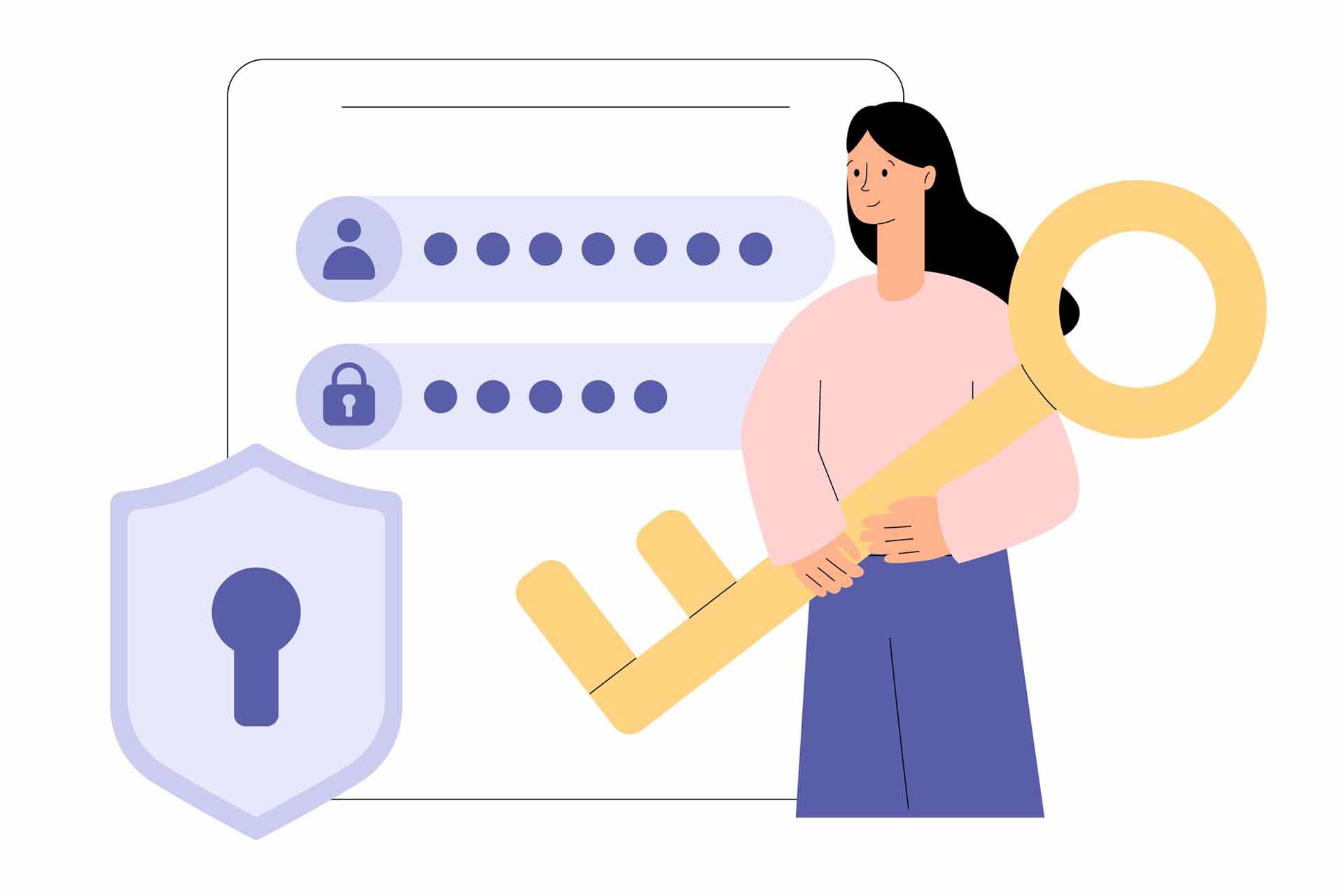
Password reuse is one of the most dangerous habits online.
When one service is breached, attackers immediately try the same credentials on:
- Email accounts
- Cloud dashboards
- VPS control panels
- Social and business platforms
One leaked password should never have the power to unlock your entire digital life.
Stop Trying to Remember Everything
Humans aren’t designed to remember dozens of long, unique passwords.
That’s where password managers become essential.
A good password manager:
- Generates strong passwords automatically
- Stores them in an encrypted vault
- Autofills credentials securely when needed
The result?
Better security without mental overload.
For advanced users, self-hosting a password manager adds another layer of control, keeping sensitive data on infrastructure you fully own.
Backups: The Calm Behind Real Security
Security isn’t just about preventing attacks — it’s also about recovery.
If you lose access to your password vault without a backup, the damage can be permanent.
Best practice includes:
- Automated backups
- Off-site or external storage
- Regular verification of restore points
In cybersecurity, backups are not optional.
They are your last line of defense.
Secure Remote Access with WireGuard
Accessing servers from public or untrusted networks exposes your traffic to risk.
WireGuard solves this by:
- Creating a fast, encrypted tunnel
- Protecting credentials and data in transit
- Eliminating visibility for third parties
By self-hosting your own VPN, you gain:
- Full control
- No traffic logging
- No bandwidth throttling
It’s secure remote access — on your terms.
Enable Two-Factor Authentication Everywhere
Even the strongest password can be stolen.
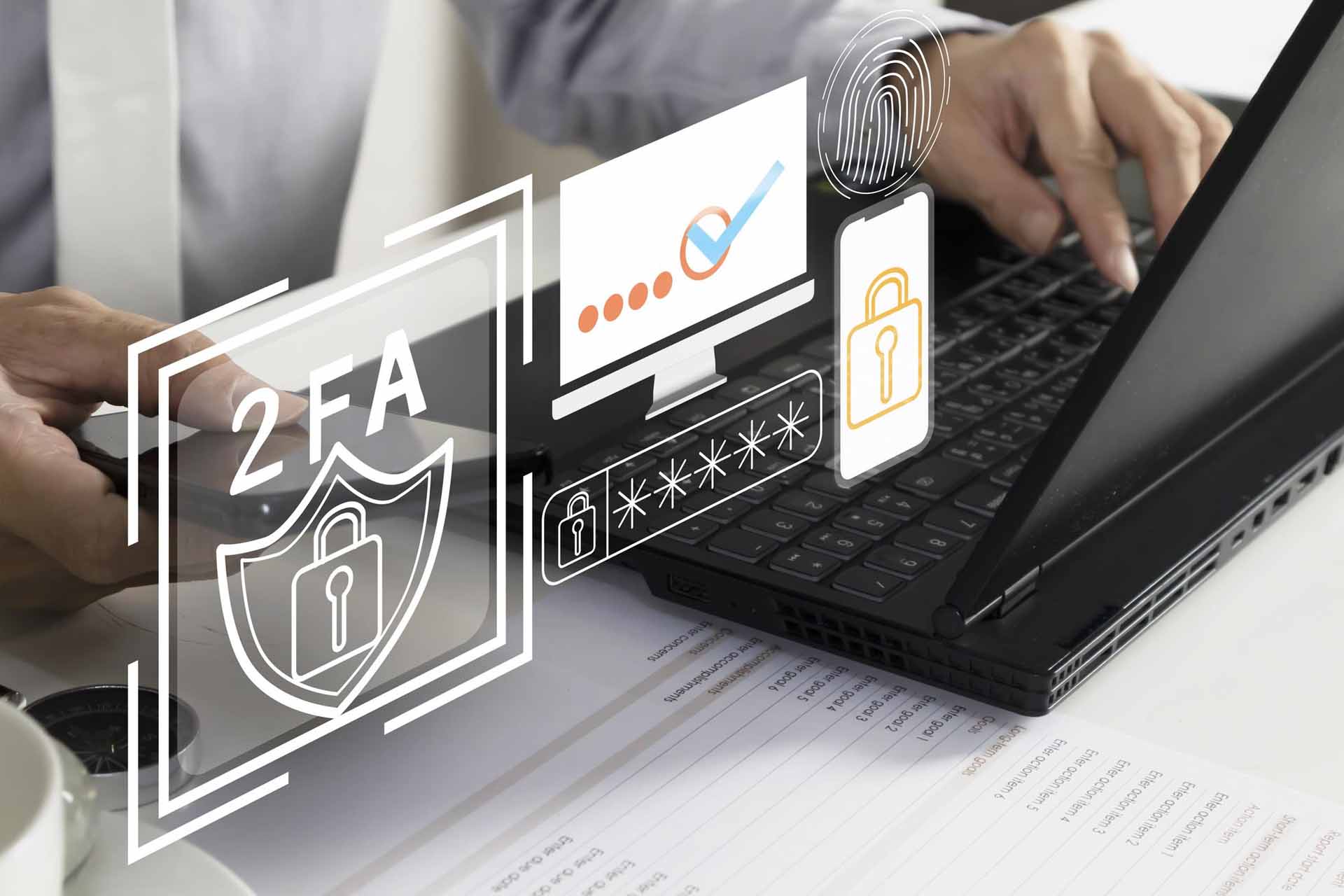
Two-Factor Authentication (2FA) adds a critical second layer:
- Something you know (password)
- Something you have (temporary code or hardware key)
With 2FA enabled, stolen passwords alone are useless.
Authenticator apps and hardware security keys significantly reduce the risk of account takeover.
Changing the SSH Port Still Matters
Most automated attacks target the default SSH port (22).
Changing it:
- Won’t stop determined attackers
- But dramatically reduces automated scans
- Cleans up server logs
- Lowers background attack noise
When combined with SSH keys and 2FA, it meaningfully reduces your attack surface.
Final Thoughts
You can secure servers, patch systems, and deploy advanced defenses —
but weak password practices can quietly undermine everything.
True security starts with:
- Long, unique passwords
- Proper password management
- Regular backups
- Encrypted connections
- Multi-factor authentication
A strong password doesn’t just protect one account.
It protects everything connected to it 🔐